
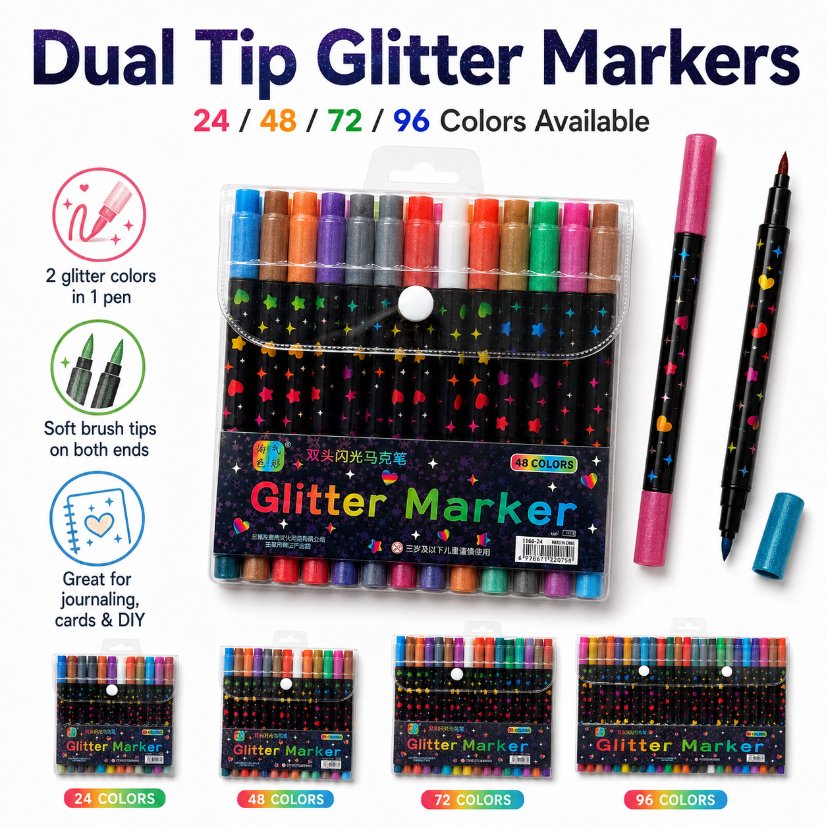
QS-1166 RFQs: Match the Retail Barcode
Which retail barcode belongs to the offered marker pack?
Ask the supplier to identify the exact QS-1166 selling unit on the quote, confirm who assigns its retail code, and provide a readable sample of the mark on the proposed pouch or label. Cross-check that mark against the item record and a scan from the actual pack. Approve the evidence by quotation line and artwork revision so a different assortment cannot inherit the same approval by accident.
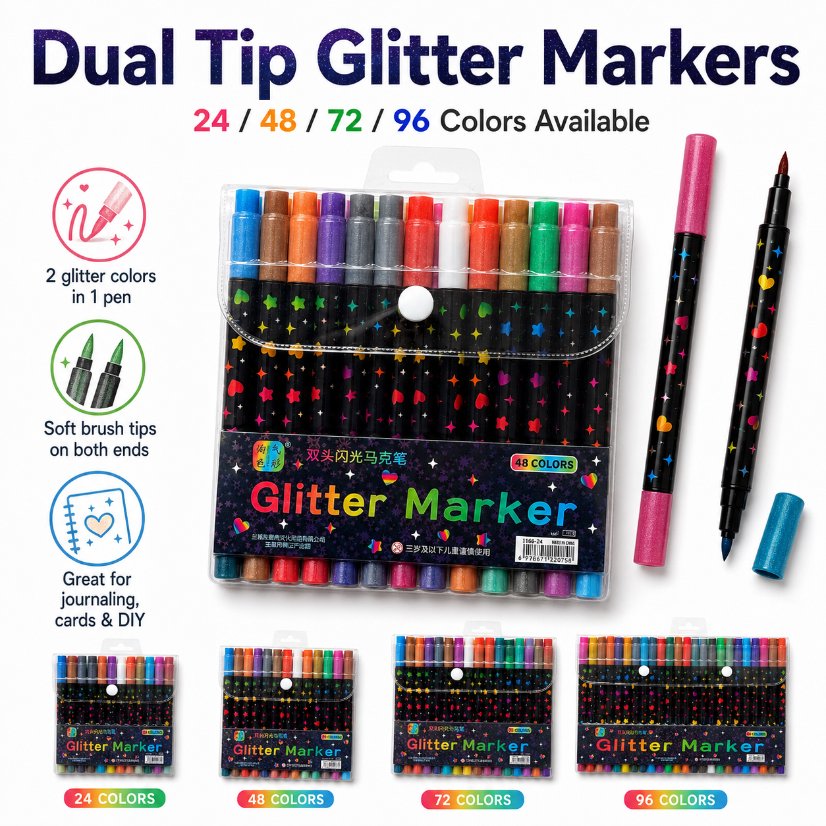
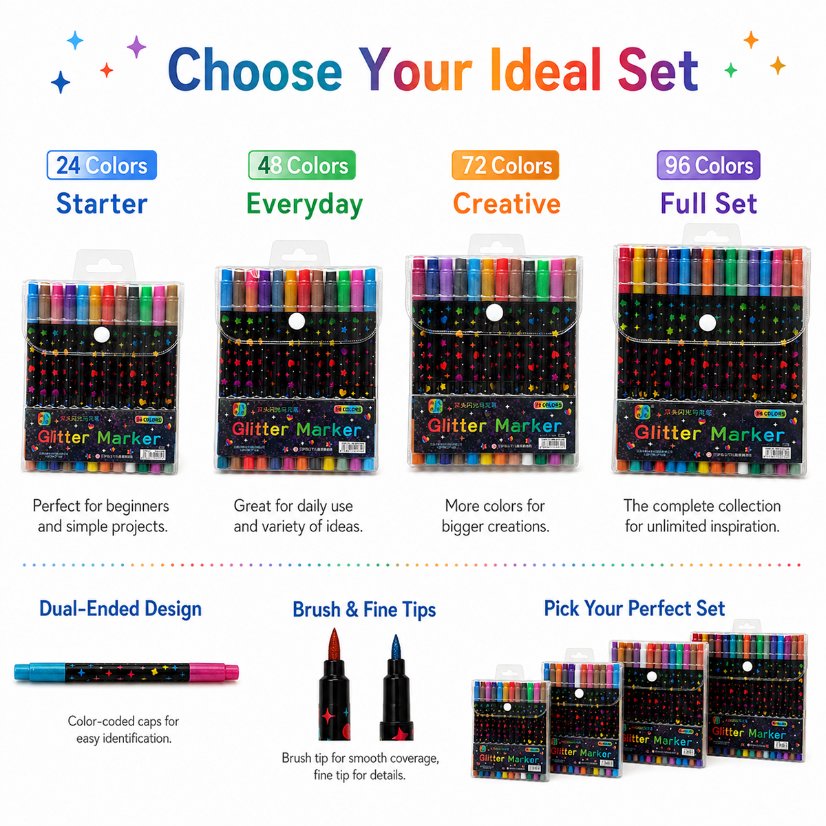
The QS-1166 product listing shows dual-ended glitter markers and lists 24, 48, 72 and 96 colour presentations. Treat those as catalogue descriptions and request a separate response for each unit actually offered. A colour count is a description of the assortment. The quote still needs to identify the physical unit whose barcode will appear in your item record.
Start with the unit named on the quote
Define the sellable pack in words before requesting an image of its code. Record the supplier model, offered assortment name, unit description and quote-line identifier together. Ask the supplier to distinguish a single retail pouch from any multipack or shipping carton used in the order. If the offer includes more than one layer, record which layers carry their own identifiers and what each identifier is intended to describe.
When two quoted lines share similar artwork, give each line a separate row in the review. Put the offered unit beside the supplier’s current photograph and ask the supplier to identify any common files or label layouts across those lines. A reusable layout can save artwork time while the code value and item assignment stay specific to the unit for which they were approved.
| Buying field | Requested supplier response |
|---|---|
| Quoted item | Model, offered assortment and explicit selling-unit description tied to the quotation row. |
| Code owner | Party responsible for supplying or approving the code and the point at which the supplier can use it. |
| Physical location | Marked pack view showing the panel or label carrying the code in the proposed presentation. |
| Revision | Supplier artwork or label reference, revision and sample identification for the physical pack. |
| Scan evidence | Decoded result from an agreed sample and the matching buyer item record. |
| Unresolved line | Record the missing document or decision and who will confirm it before artwork release. |
Ask for the artwork and the physical pack
Request one flat, readable view of the proposed code panel and one photo of the label on the offered pouch. A marked artwork file helps the buyer check the location before printing. The photo shows where the panel actually lands after the pouch is closed, including its relationship to the edge, fold or seam. Ask the supplier whether the artwork is proposed, approved or already used on the photographed sample.
If the supplier shows a generic promotional pouch, retain it as a reference for layout discussion. Ask for a pack carrying the proposed code for the quoted unit before making the item association. Record the artwork revision and sample identifier on the same worksheet. If a label application or printed panel changes, ask for a revised photo and determine whether the original scan record still applies to the approved pack.
Reconcile a scan before releasing the item record
Ask the supplier to provide the decoded result from the agreed physical sample. Compare that result to the buyer’s item file for the exact quotation line. Record the test device or process only if the buyer needs it to reproduce the check. An image of a code can help review its placement, while the scan result gives the receiving team a value it can compare with the item file.
Keep approval scoped to the sample and revision you reviewed. If a pack artwork change leaves the item assignment intact, the buyer can still request a fresh print sample for legibility and placement. If the offered assortment or selling unit changes, reopen the item mapping before reusing any earlier code. Keep the supplier’s written response with the order so later reviewers can see which decision was made and what triggered a new review.
Prepare a concise supplier request
Send the buyer item reference, exact offered assortment, destination channel requirements where applicable, and the quotation lines requiring a reply. Ask the supplier to mark which code fields it can confirm and which require the buyer’s input. A short response table lets the supplier quote the offered configuration without making assumptions about the identifier the buyer intends to use.
For an offer-specific reply, use the Jinsida contact page and attach the relevant quotation line, proposed pack image and artwork revision if available. Keep any supplied code in your procurement record and ask the supplier for permission before distributing identifiable artwork outside the approval group.
Buyer FAQ
Can the barcode be taken from a catalogue photo?
Request the current code and pack revision from the supplier and compare them with the agreed item record.
Does a colour count identify the selling unit?
Record the pack definition on the quote. The colour count alone leaves the physical unit and its item assignment open.
What if the supplier has no assigned code yet?
Record it as pending and identify who will assign it. Ask for a new pack proof after the assignment is confirmed.
Should the retail code and carton code match?
Ask which packaging layer each identifier describes and record both only when applicable to the offer.
Before approving the order line
- Confirm the model, assortment and physical selling unit on the quote.
- File the marked pack photo, artwork revision and responsible contact.
- Match the decoded result to the approved item record.