
QS-1385 RFQs: Proof the Printed Colour Chart
When buying wholesale acrylic markers with a printed colour chart, approve the chart against the exact set, a retained set of ink swatches, and a physical print proof. Match each printed patch to the marker code it represents. Keep the approved chart revision with the order so later changes to the assortment or printing can be checked against the right reference.
Choose which QS-1385 assortment the chart represents
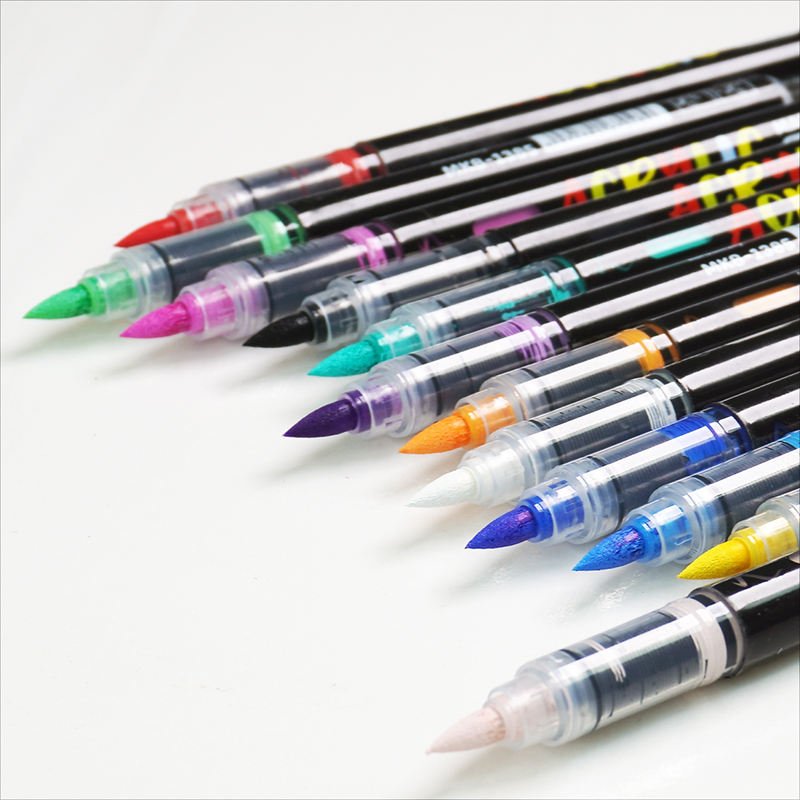
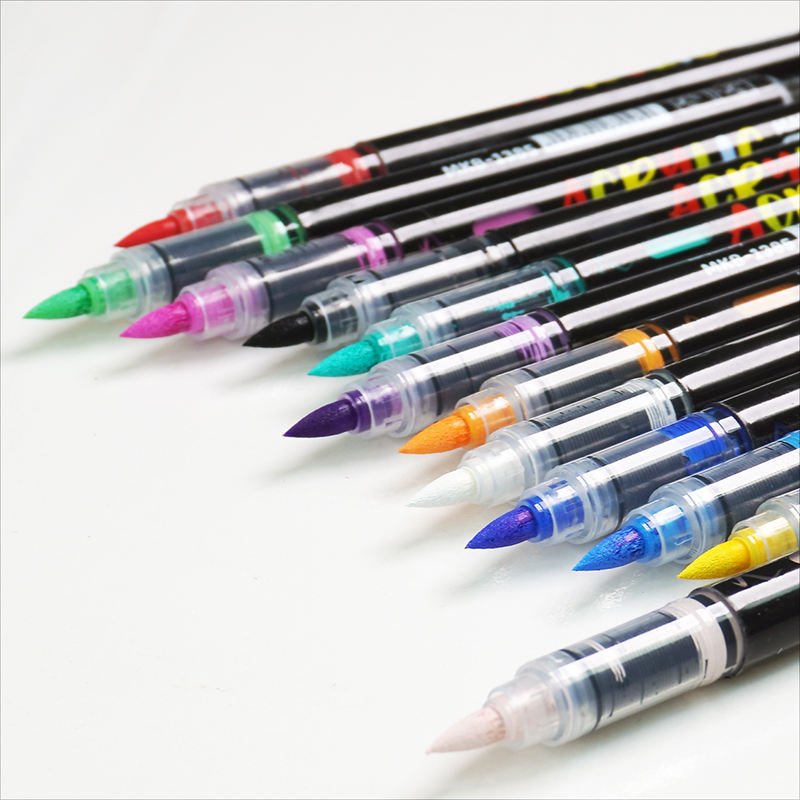
The official QS-1385 page lists several colour counts, from 12 to 168. Choose the exact offered assortment before sending the chart for proofing. Request a list of the included marker codes and their proposed chart labels. The catalogue shows multiple tip colours, which helps identify the range but leaves the exact contents of a particular set for the supplier to confirm.
If one chart is proposed for several packs, ask whether it will show only the colours in each pack or also identify colours offered elsewhere in the range. Agree how the printed chart will distinguish those cases. A buyer comparing a box and a loose chart at receiving should be able to tell which version of the chart belongs with that pack.
Connect the printed patch to an identified ink swatch
Give every chart patch an identifier that the supplier can link to a retained marker sample. Ask for a physical ink swatch from each selected sample on a specified reference paper. Record the paper and the way the swatches were prepared, then use the same reference when reviewing revised proofs. This is a comparison for the printed artwork and its labels.
Agree which patches the buyer will use to judge the proof. Where neighbouring colours are close, put the actual swatches next to the corresponding print patches and confirm the labels first. If a discrepancy appears, ask whether it comes from the sample identity, the chart mapping, or the printed rendering. Keep the proposed correction attached to the relevant patch code.
- Link each printed patch and label to a supplier marker code.
- Keep the retained physical ink swatches identified by sample and paper.
- Ask for a proof produced on the proposed chart material.
- Record the accepted artwork revision and the assortment it represents.
Review the proof on the proposed chart material
Ask whether the chart will be printed on an insert or on the retail box. The approved proof should use the planned material and finish, or identify any difference so the buyer can decide what needs another proof. If a box panel folds or a separate chart is trimmed, review the finished size and check that colour names and codes remain easy to read.
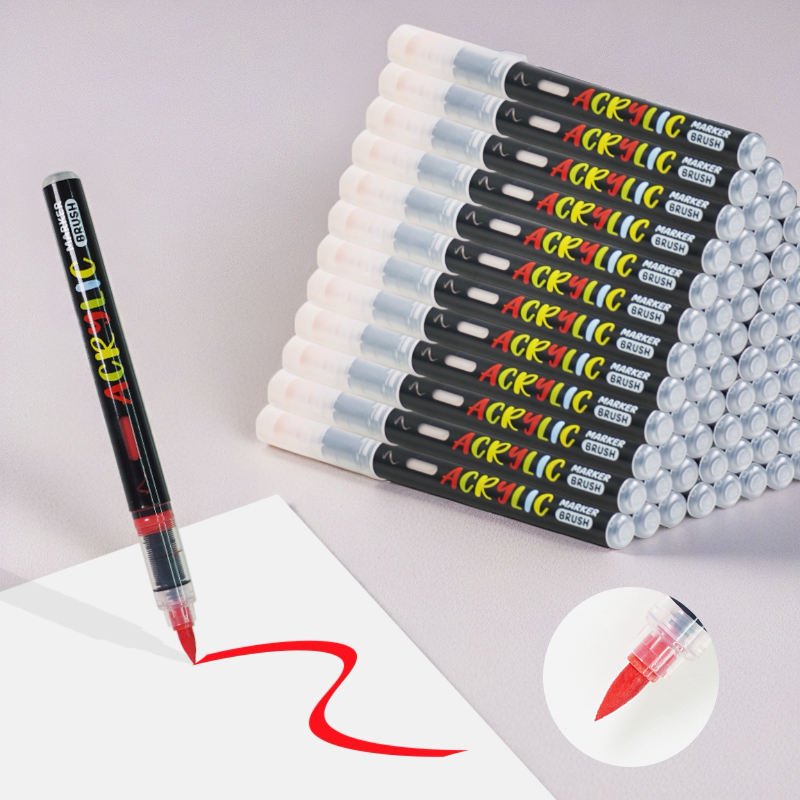
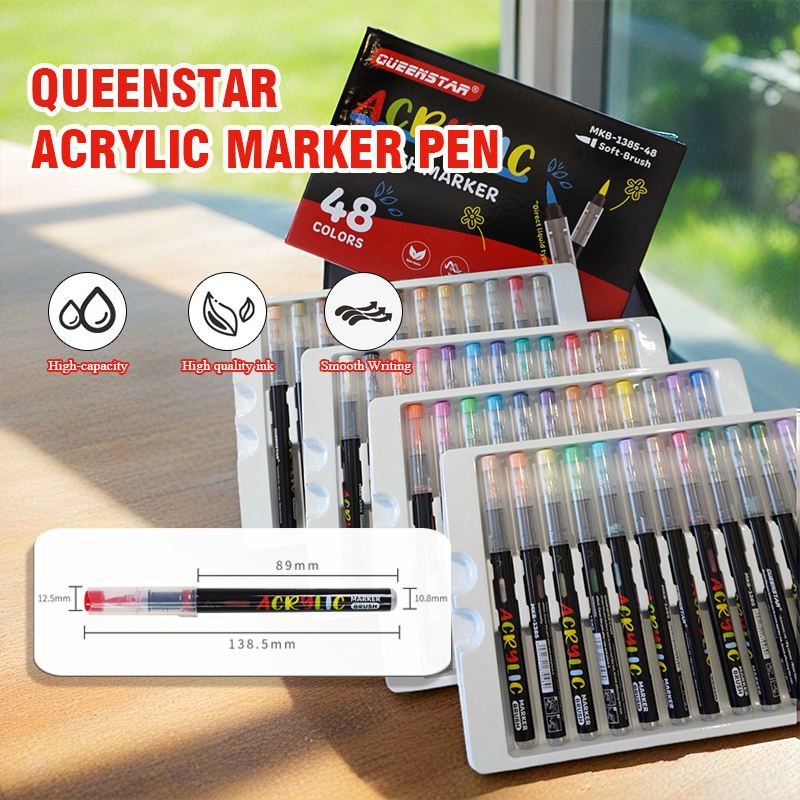
The QS-1385 gallery includes a pack marked 48 colours and a separate view showing a drawn red stroke. Use those references to identify the product and the visual material involved. For approval, compare your own retained swatches with the actual proof and agree how any difference will be documented. Avoid using photographs of the marker tips as the print reference.
| Approval field | What to request | Record to retain |
|---|---|---|
| Assortment version | Confirmed list of marker codes represented by the chart. | Pack model, colour count and supplier list revision. |
| Ink swatch | One identified retained swatch per agreed chart patch. | Marker code, sample ID and reference paper. |
| Printed chart proof | Actual print proof on the proposed material, with patch labels. | Proof revision, print material, and accepted corrections. |
| Release | Confirmation of which order lines use the approved chart. | Signed proof or acknowledgement and final artwork reference. |
Keep chart updates tied to repeat orders
If a marker code changes, ask the supplier which printed patches, names or pack versions it affects. Request a revised proof for the affected chart and identify the older version it replaces. An updated marker list and an older chart may otherwise reach the same production run even when both files look familiar to the packing team.
Keep the final chart reference in the receiving instructions. Give staff a copy or a photograph of the accepted printed proof and the assortment code it represents. If an incoming chart has a different revision or a patch appears under the wrong label, record the printed identifier and request clarification before substituting it into stock for the approved pack.
Questions about a printed acrylic marker chart
Can marker tip photographs serve as the chart reference?
Use the photographs to identify the samples. Ask for matched physical ink swatches and compare the actual printed proof against them.
Should the same chart cover several set sizes?
Confirm which colours appear in each set and how the chart indicates that scope. Approve the print and identification for each version used.
When should a chart be proofed again?
Request another proof when the marker codes, print material, artwork mapping or production version changes in a way that affects the chart.
For a QS-1385 quotation, contact Jinsida Stationery with your selected assortment and chart format. Ask for the marker code list, matched ink swatches, and the proposed print proof together.